
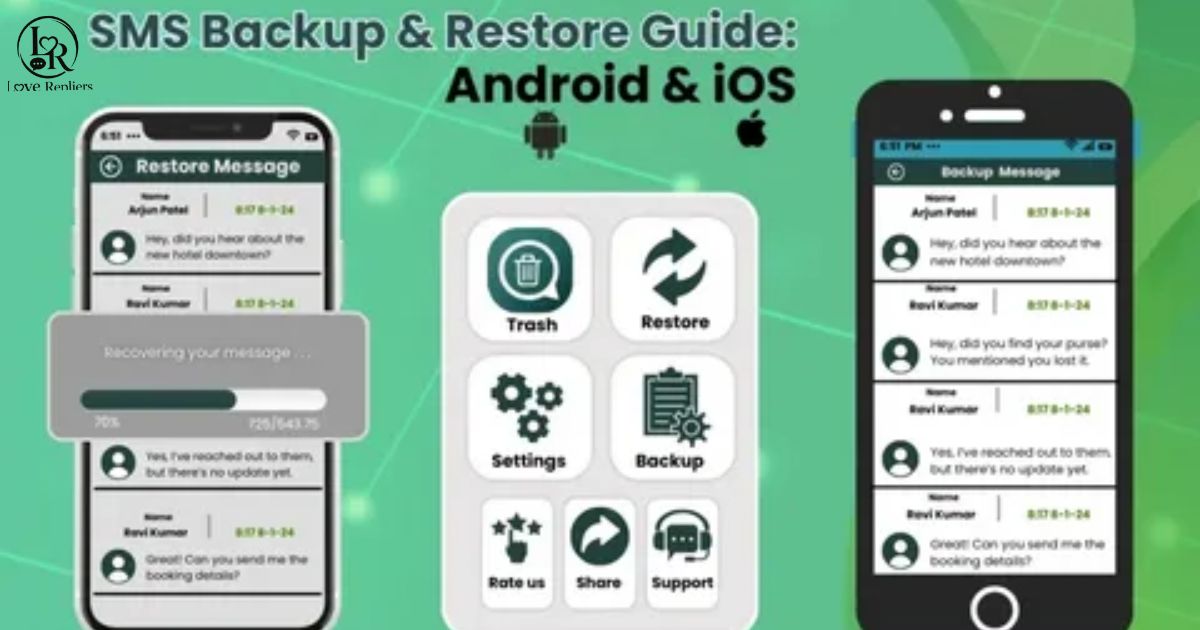
Deleted text messages can sometimes be recovered through backups, cloud storage, or recovery apps. Acting quickly improves your chances before new data overwrites old messages permanently.
Whether you use Android or iPhone, recovery methods vary by device and settings. Checking recent backups and synced accounts is usually the fastest solution available.
Trending Today ; 80+ Heart Touching Love Messages for Him (2025)
Can You Retrieve Deleted Text Messages?
Yes, deleted text messages can often be retrieved if they were backed up before deletion. Many smartphones automatically save messages through cloud services or device backups regularly.
Recovery depends on your phone type, backup settings, and how long ago the messages were deleted. The sooner you attempt recovery, the better your chances of restoring conversations successfully.
If no backup exists, recovery apps or carrier support may still help recover recently deleted messages, though results are usually limited and less reliable.
Method 1: Recover Deleted Text Messages from iPhone Backup
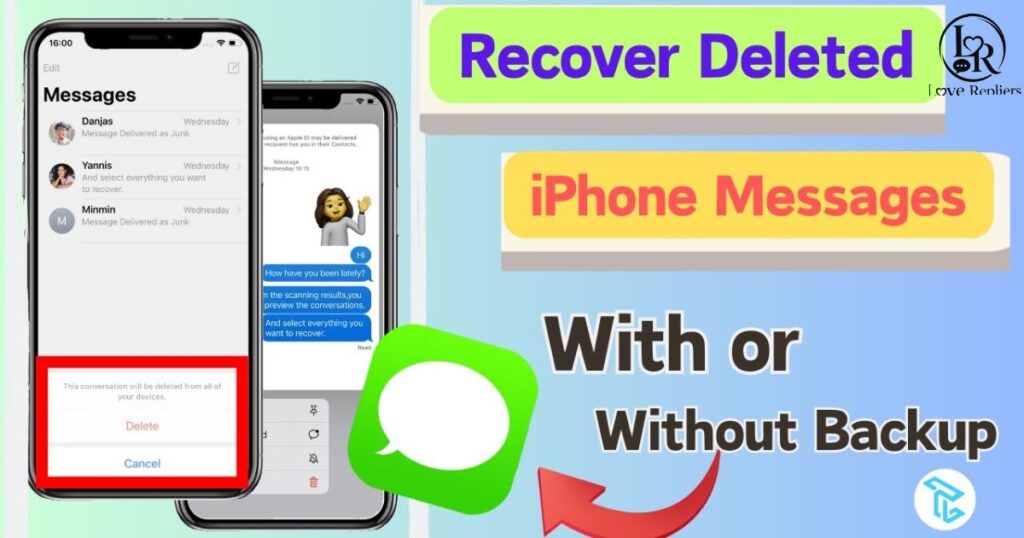
If you regularly back up your iPhone, you can recover deleted text messages through iCloud or iTunes backups. This is one of the simplest ways to restore conversations without using third-party recovery tools.
Apple automatically stores SMS and iMessages when backup settings are enabled. If your deleted messages were included in a previous backup, you may be able to recover them successfully.
To restore deleted messages from an iPhone backup, your device will replace current data with the selected backup version. Always confirm the backup date before starting the recovery process.
Steps to recover deleted text messages from iPhone backup:
- Open Settings > General > Transfer or Reset iPhone > Erase All Content and Settings
- Restart your iPhone setup process and select Restore from iCloud Backup
- Sign in using your Apple ID and choose the correct backup file
- Wait for the restore process to finish and allow the device to restart
- Open the Messages app and check whether your deleted texts returned
Method 2: Recover Deleted Text Messages from iCloud Website
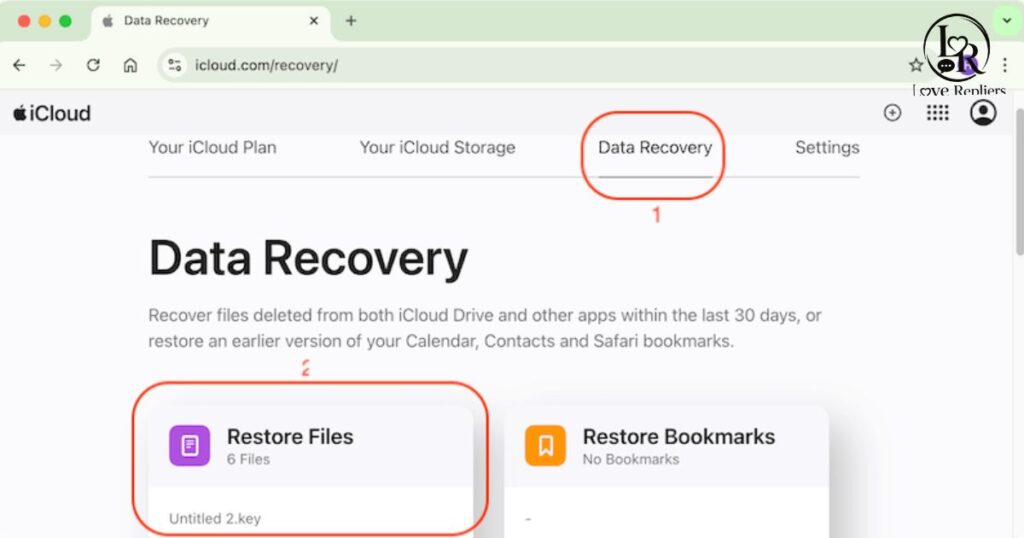
If your text messages were synced with iCloud, you may be able to recover deleted conversations directly through your iCloud account. This method works best when message syncing was enabled before deletion.
iCloud can sometimes restore recently deleted messages without resetting your entire device.
iCloud sometimes stores recently deleted data temporarily, allowing users to restore messages without resetting the entire iPhone. It can be a quick solution for recovering important conversations safely.
Before starting, make sure you are using the same Apple ID connected to your iPhone. Recovery options may vary depending on your iCloud settings and backup availability.
Steps to recover deleted text messages from iCloud website:
- Open a browser and sign in to your iCloud account using Apple ID
- Check whether Messages syncing is enabled in your iCloud settings
- Look for recently synced conversations or available message backups
- Restore the backup or re-enable message syncing on your iPhone
- Open the Messages app and confirm your deleted texts have returned
Method 3: Recover Deleted Texts on Android
Android users can often recover deleted text messages through Google backups, device restore options, or recovery apps. Recovery chances depend on backup settings and how recently the messages were deleted.
If your phone was connected to a Google account, deleted messages may already exist inside a previous device backup. Restoring that backup can help recover important conversations quickly and safely.
Before starting the recovery process, check your latest Google backup date carefully. Restoring older backups may replace newer files, apps, and current phone settings.
Recovery works best when backups were enabled before deletion and the device has not overwritten the missing messages with new data.
Steps to recover deleted texts on Android:
- Open Settings and check your Google backup information
- Reset your Android device if a backup restore is required
- Sign in with the same Google account during setup
- Choose the backup containing your deleted text messages
- Wait for restoration to complete and open the Messages app
Method 4: Contact Your Carrier
Some mobile carriers temporarily store message records that may help during text recovery requests. However, most providers only keep metadata like phone numbers, timestamps, and delivery information instead of actual message content.
If your deleted texts are very recent, contacting customer support quickly may improve your recovery chances. Policies vary between carriers, so availability, storage periods, and accessible data depend on your mobile service provider.
| Carrier | SMS Retention Period | Content Stored? |
| Verizon | 3–5 days | Metadata only |
| AT&T | 5–7 days | Metadata only |
| T-Mobile | Up to 5 days | Metadata only |
| Sprint | 1–3 days | Metadata only |
How to Recover Deleted Text Messages from Your Business Texting Software
Business texting software often includes built-in backup and recovery features that help companies restore deleted conversations quickly. Recovery options depend on the platform, account permissions, and data retention settings.
Many business messaging platforms automatically save customer conversations in cloud storage for security, compliance, and record-keeping purposes. This makes recovering deleted messages easier than standard mobile texting applications.
Before starting recovery, check your software dashboard, archived chats, or administrator settings for backup options. Some platforms also allow message exports or restoration through support teams and account administrators.
If the messages were permanently deleted without backups enabled, recovery may be limited. Contacting the software provider directly can sometimes help retrieve archived or recently removed conversations.
When business SMS archives help you:
- Recover accidentally deleted customer conversations quickly
- Restore important communication records for legal compliance
- Access archived chats for customer service follow-ups
- Retrieve sales or appointment details from previous messages
Common Reasons Why Text Messages Get Deleted
Text messages are often deleted accidentally while clearing storage, updating devices, or organizing conversations. Software glitches, factory resets, and syncing issues can also remove important messages without warning from your phone.
Deleted messages are sometimes recoverable if backups were enabled before removal.
Many users also lose texts after switching devices, reinstalling apps, or experiencing system crashes. Malware, corrupted storage files, and failed updates may permanently erase conversations if recovery steps are not taken quickly.
Common reasons for losing text messages:
- Accidental deletion: You may remove a conversation by mistake while clearing old chats or organizing your inbox
- Phone reset or factory restore: Resetting your device without a backup can permanently erase all saved SMS data
- Software updates gone wrong: Some iOS or Android updates may trigger app crashes or unexpected message loss
- App malfunction: Messaging apps can sometimes corrupt data or delete recent conversations after crashing
- Storage full: Low device storage may force your phone to remove older messages automatically to create free space
Top SMS Recovery Software for iPhone and Android
When backups are unavailable, SMS recovery software can help restore deleted text messages directly from your smartphone. These tools scan internal storage to locate recoverable conversations, attachments, and recently removed SMS data safely.
They are useful for recovering accidentally deleted messages, restoring texts after software crashes, and retrieving conversations lost during failed updates or factory resets on Android and iPhone devices.
Popular text message recovery tools:
- Dr.Fone Text Recovery: Trusted software for recovering deleted text messages from both iPhone and Android devices
- DroidKit SMS Restore: Designed mainly for Android SMS recovery with simple controls and deep scanning features
- SMS Backup & Restore: Free tool that helps users back up and restore old text messages easily
- PhoneRescue: Supports iPhone backup recovery and restores deleted iMessages without overwriting existing data
- iMobie AnyTrans: Allows selective recovery of deleted conversations and message backups quickly
- Tenorshare UltData: Advanced iPhone recovery tool for restoring deleted SMS and iMessages efficiently
| Software | Platform | Key Features |
| Dr.Fone | iPhone & Android | Deep scan recovery, preview before restore, recover messages without backup |
| DroidKit | Android only | Android SMS recovery, MMS restoration, beginner-friendly interface |
| SMS Backup & Restore | Android only | Free backups, scheduled restores, easy message transfer |
| PhoneRescue | iPhone & Android | iCloud text merge, iMessage recovery, no data overwrite |
| Tenorshare UltData | iPhone only | Selective iMessage recovery, fast scanning, secure restore |
Legal and Privacy Considerations When Recovering Texts
Recovering deleted text messages should always follow privacy laws and device ownership rules. Accessing someone else’s messages without permission may violate legal regulations and personal privacy rights.
Before using recovery software or backups, confirm you have authorization to access the device and stored data. Secure handling of recovered messages also helps protect sensitive personal information.
Key points to remember:
- Only recover messages from devices you legally own or manage
- Avoid sharing recovered texts containing private or confidential information
- Use trusted recovery software to reduce security and privacy risks
Tips for Quickly Recovering Lost Text Messages
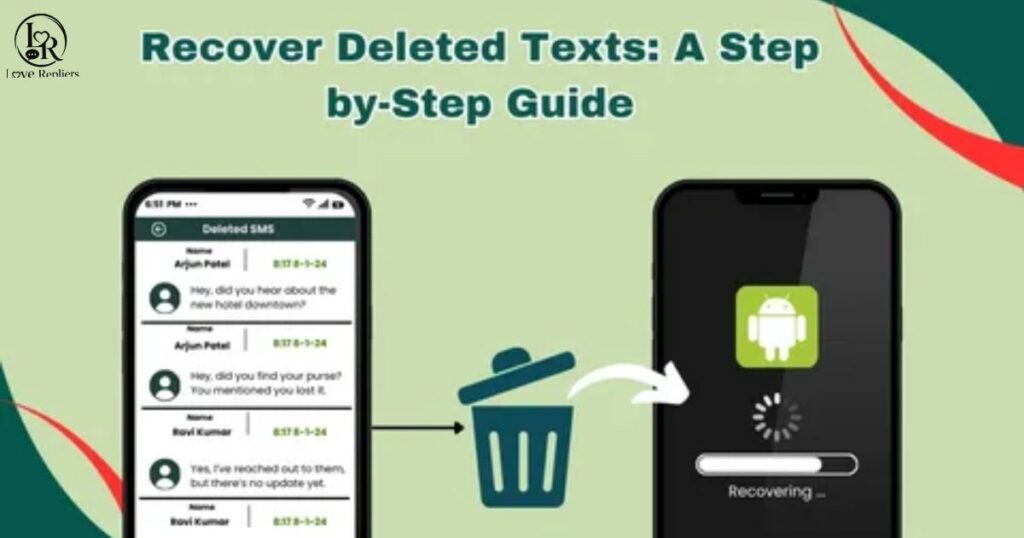
Losing important text messages can feel stressful, but acting quickly improves your recovery chances significantly. The sooner you stop using your device after deletion, the lower the risk of overwritten message data permanently disappearing from storage.
Regular backups make recovering deleted text messages much easier and faster across both Android and iPhone devices after accidental deletion or system issues.
Using trusted recovery tools, checking cloud backups, and avoiding unnecessary device resets can help protect deleted conversations and improve successful SMS recovery results.
Tips for quickly recovering lost text messages:
- Stop using your phone immediately after noticing deleted messages
- Check iCloud, Google Drive, or local device backups first
- Use reliable SMS recovery software with positive user reviews
- Avoid installing unnecessary apps that may overwrite deleted data
- Contact your carrier quickly if the messages were recently deleted
How to Prevent Deleted Business Text Messages
Businesses can prevent deleted text messages by using secure cloud backups, message archiving systems, and reliable communication platforms. Regular data protection practices help preserve customer conversations, appointment details, and important company records safely over time.
Employee training also plays an important role in preventing accidental message deletion. Staff should understand backup procedures, archive management, and safe handling of sensitive customer communication across business texting systems.
Automatic backups and restricted access settings greatly reduce the risk of losing valuable business conversations and customer information permanently.
Ways to prevent deleted business text messages:
- Enable automatic cloud backups for all business messaging platforms
- Use message archiving tools to store customer conversations securely
- Limit account access permissions to authorized employees only
- Schedule regular backup checks to confirm message data is protected
Final Words
Recovering deleted text messages is often possible through backups, recovery software, cloud storage, or carrier assistance. Acting quickly greatly improves your chances of successful message restoration.
Using regular backups, trusted recovery tools, and secure storage practices can help protect important conversations and prevent permanent message loss in the future.
FAQs
Can deleted text messages really be recovered?
Yes, deleted messages can often be recovered through backups, recovery software, or cloud storage services.
How long do deleted text messages stay recoverable?
Recovery time depends on backups, device usage, and whether new data overwrites deleted messages.
Can I recover deleted texts without a backup?
Yes, some recovery tools can scan device storage and restore deleted conversations without backups.
Do mobile carriers keep deleted text messages?
Most carriers store only message metadata for a limited time, not full conversation content.
Is SMS recovery software safe to use?
Trusted recovery software is generally safe, but always download tools from official and reliable sources.

Smith is a content writer and relationship-focused blogger at LoveRepliers.com, where he shares thoughtful insights on love, communication, and modern relationship advice. His writing style is simple, engaging, and aimed at helping readers express their feelings more clearly and confidently in everyday life.
He specializes in crafting heartfelt messages, reply ideas, and emotional expression guides that make it easier for people to communicate in meaningful ways. Through his work, Smith aims to make online communication more personal, relatable, and impactful.
When he’s not writing, Smith enjoys exploring creative storytelling ideas and studying how language influences emotions and relationships.